How to
- Log into the Vega staff interface at mhud.na.iiivega.com/staff.
- Go to discover.midhudsonlibraries.org and click the Log In button. Or, from the staff interface, click your name in the upper-right and click Go to Catalog (that button will open the non-custom-domain version of the catalog, but it will work the same).
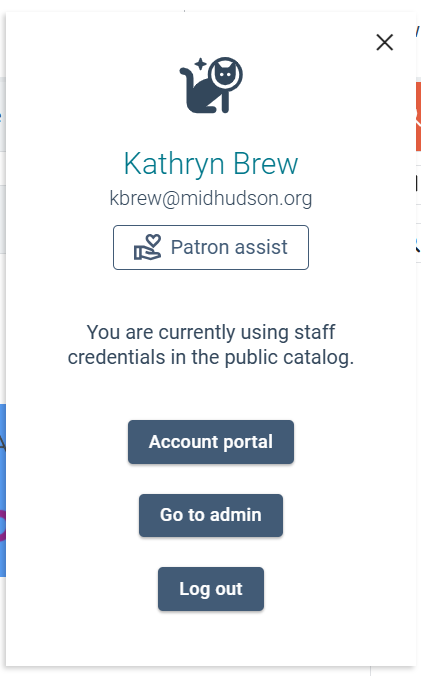
- Click your name in the upper-right again. The space cat icon helps to distinguish when you are a staff user.
- Click the Patron assist button.
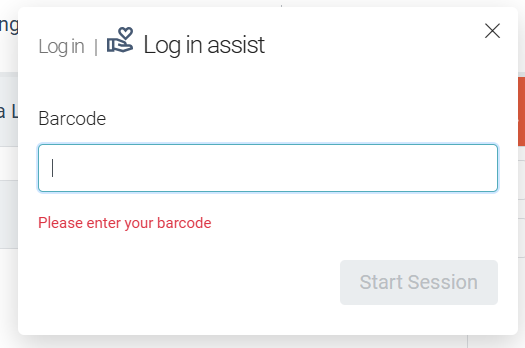
- Enter the patron’s barcode number then click Start Session. The hint text says “please enter your barcode,” but it refers to the patron.
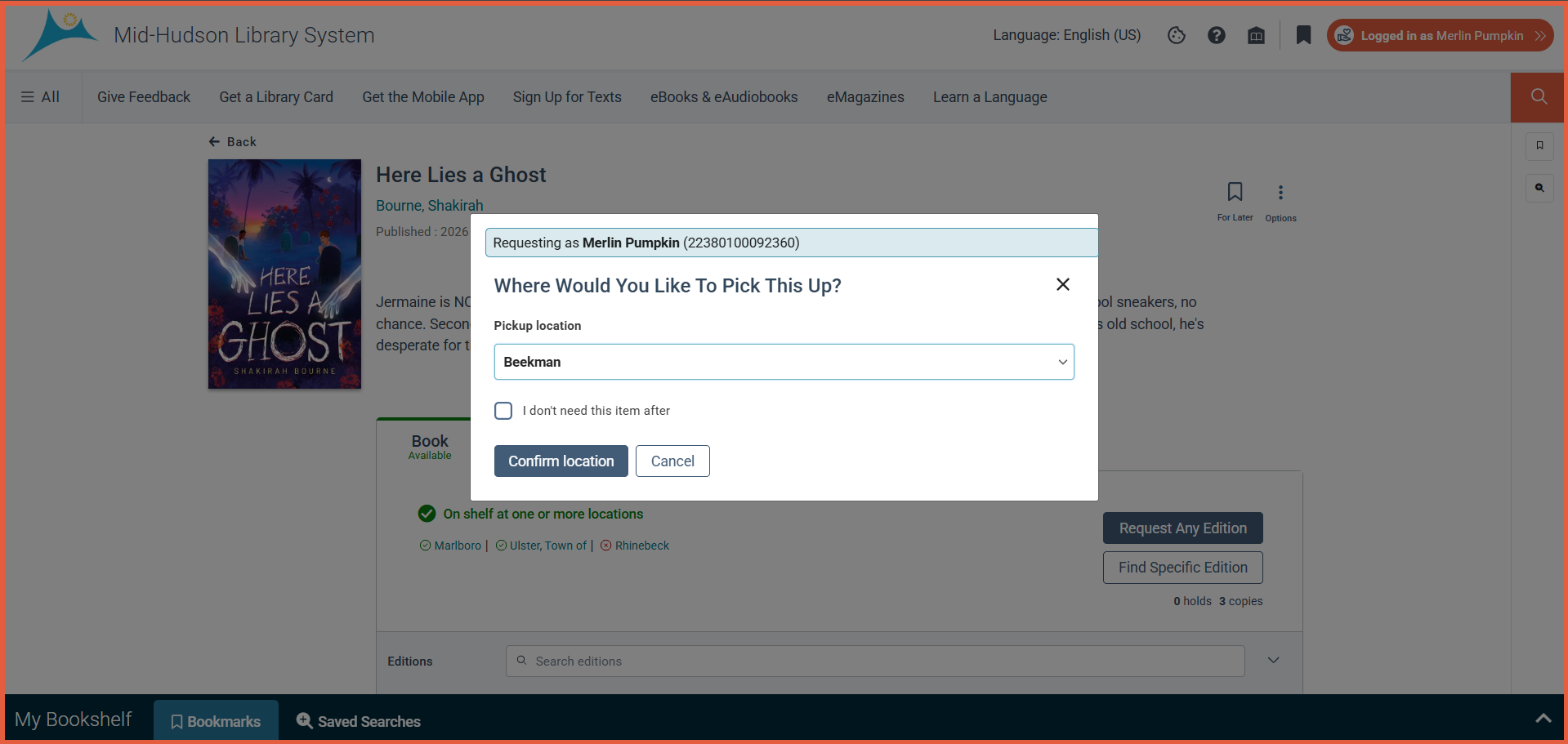
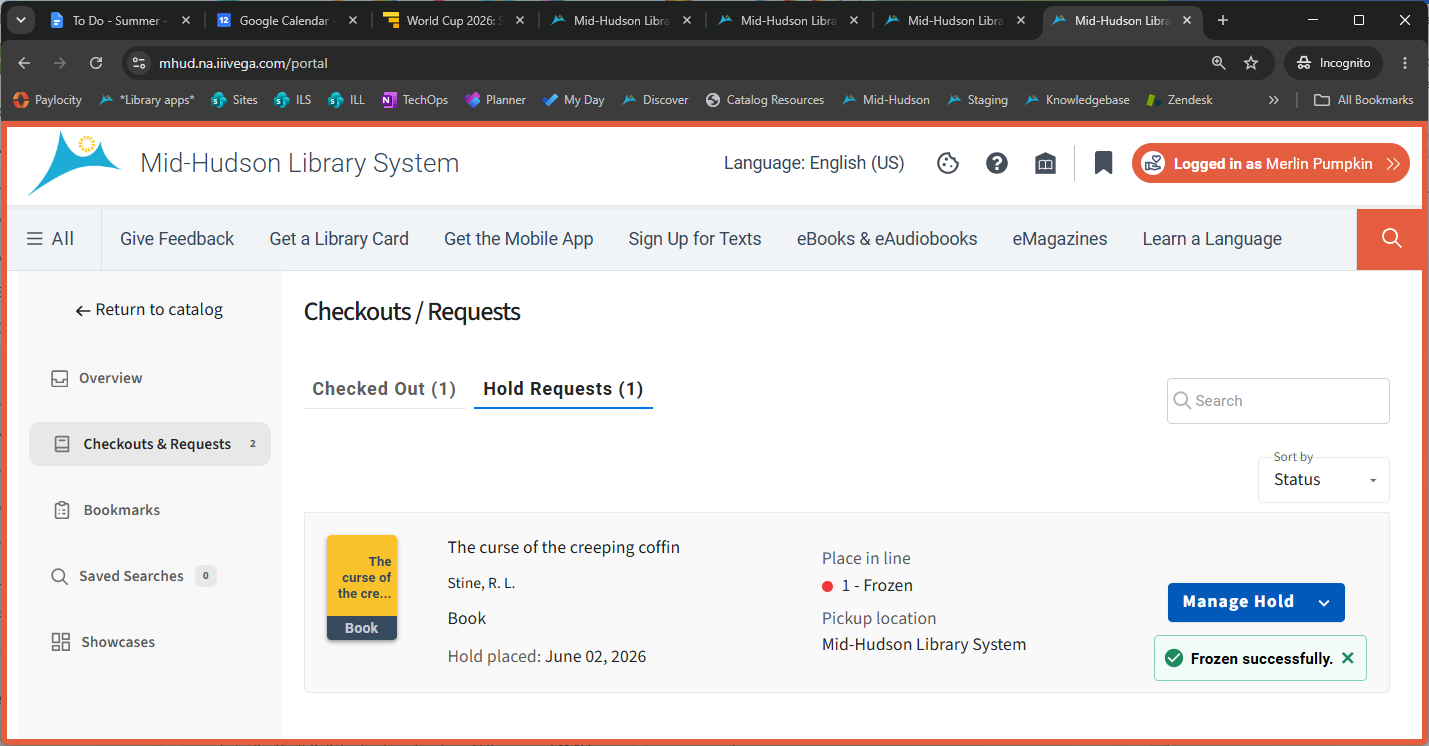
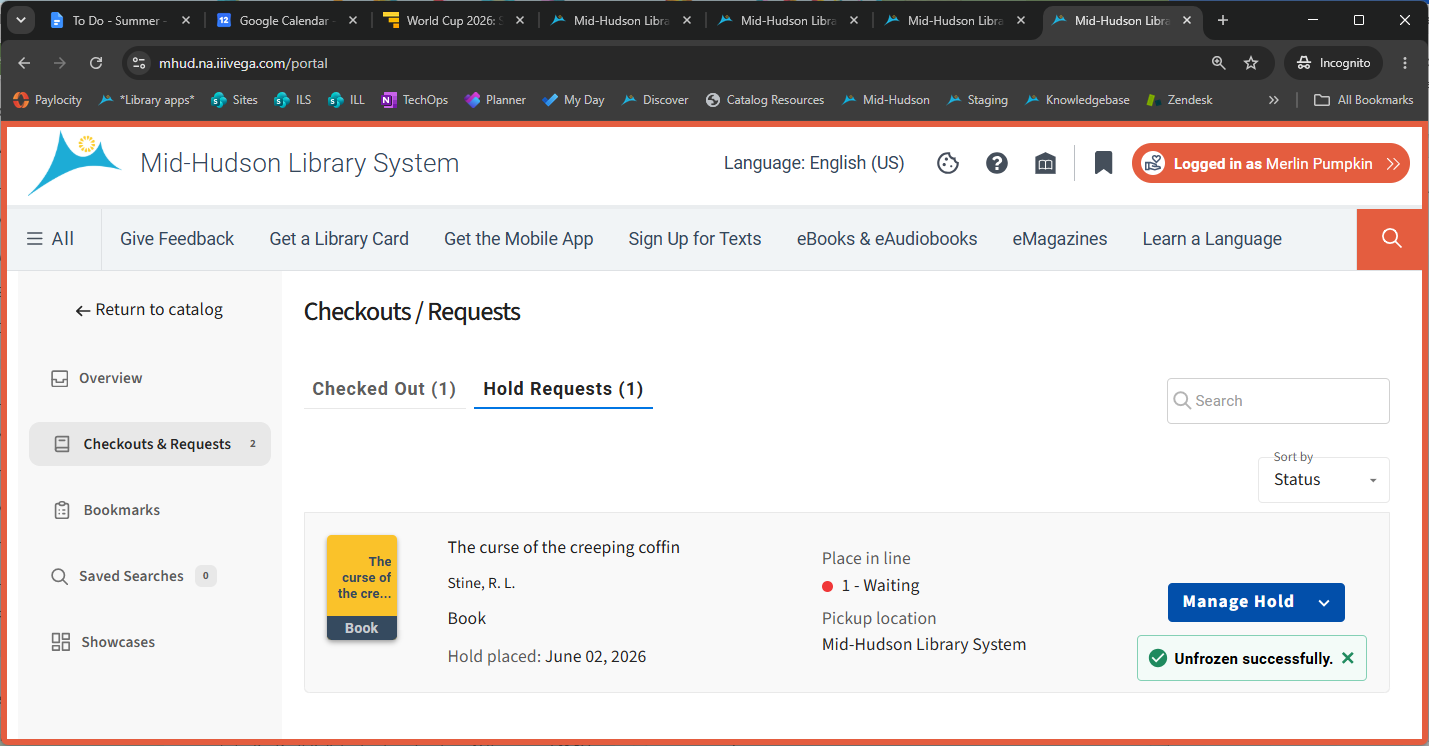
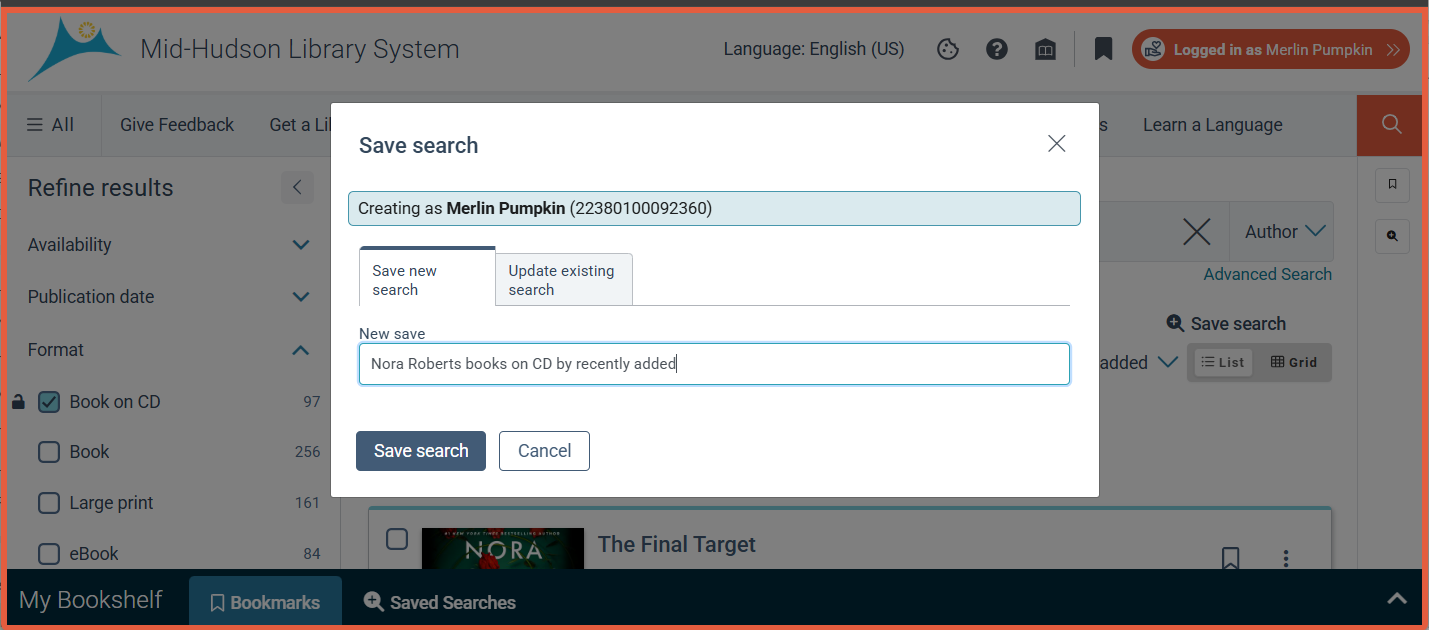
- You will see an orange border all around the window when viewing as a patron.
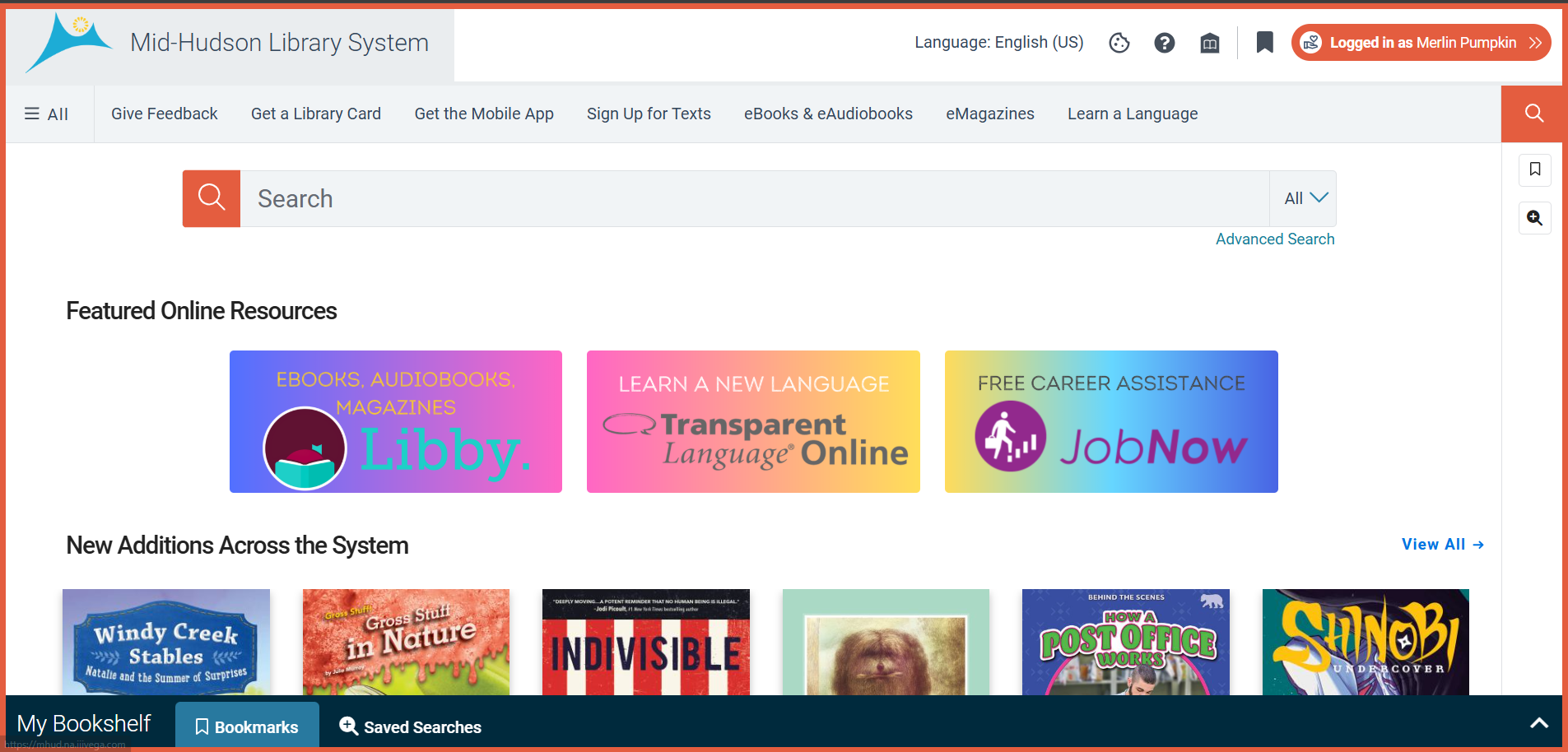
- From here, you can interact with the catalog like a patron and access the account portal. See the list of permissions for possible actions, depending on your granted permissions.