
If your library has an Amazon Business account, you are eligible to download free MARC records for most book orders placed through Amazon.
If this is your first time downloading Amazon MARC records, you will first need to set up the grid codes. Once they are set correctly, you should not have to change them again. Once this has been completed, follow the steps below to download the files.
- Visit the Amazon Library Hub
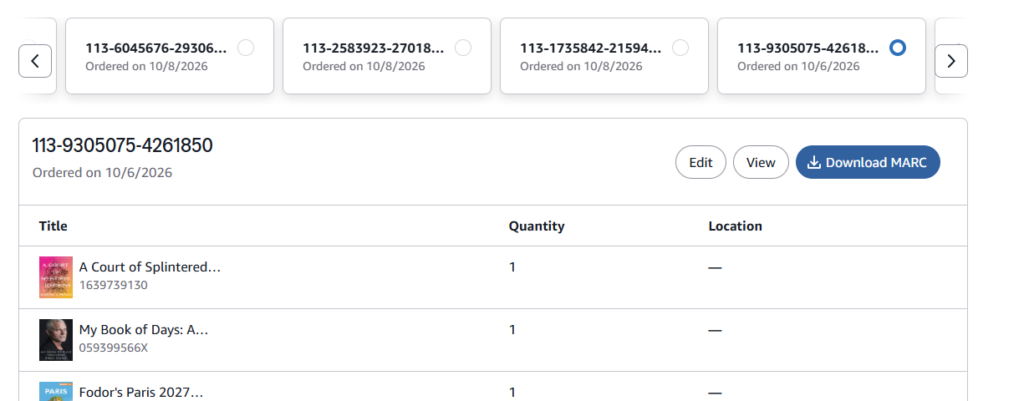
- In the section labeled “Manage MARC records” your recent orders will be listed. Select one that you want to download, and click on the “Edit” button.
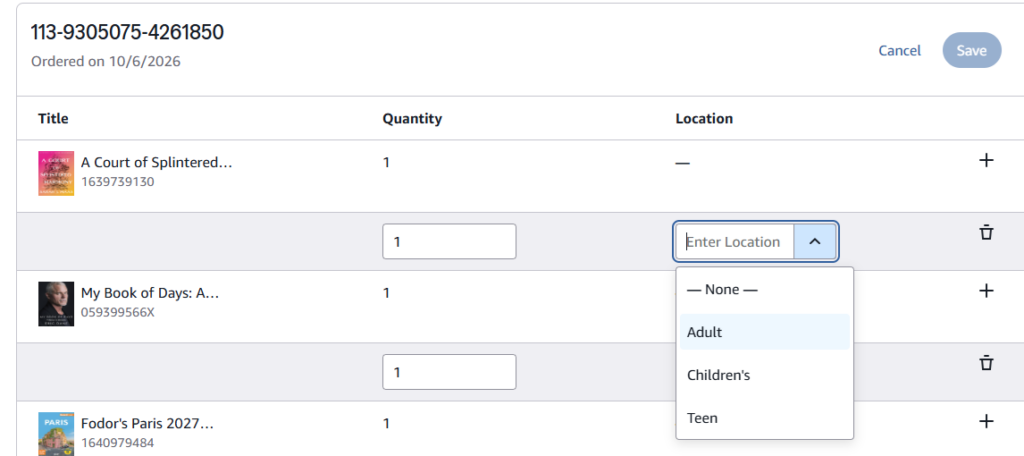
- Choose the appropriate location for each item in the cart, then click the Save button at the top.
- Click the “Download MARC” button to save the file to your computer. Attach downloaded file to an email, and send to cataloging@midhudson.org
If you have placed multiple orders, you may attach several files to the same email.
MHLS cataloging staff will load the order records into Sierra, and reply to your email to confirm that the files have been loaded.